Extrude
Turns a path into a solid by giving thickness to what it draws.

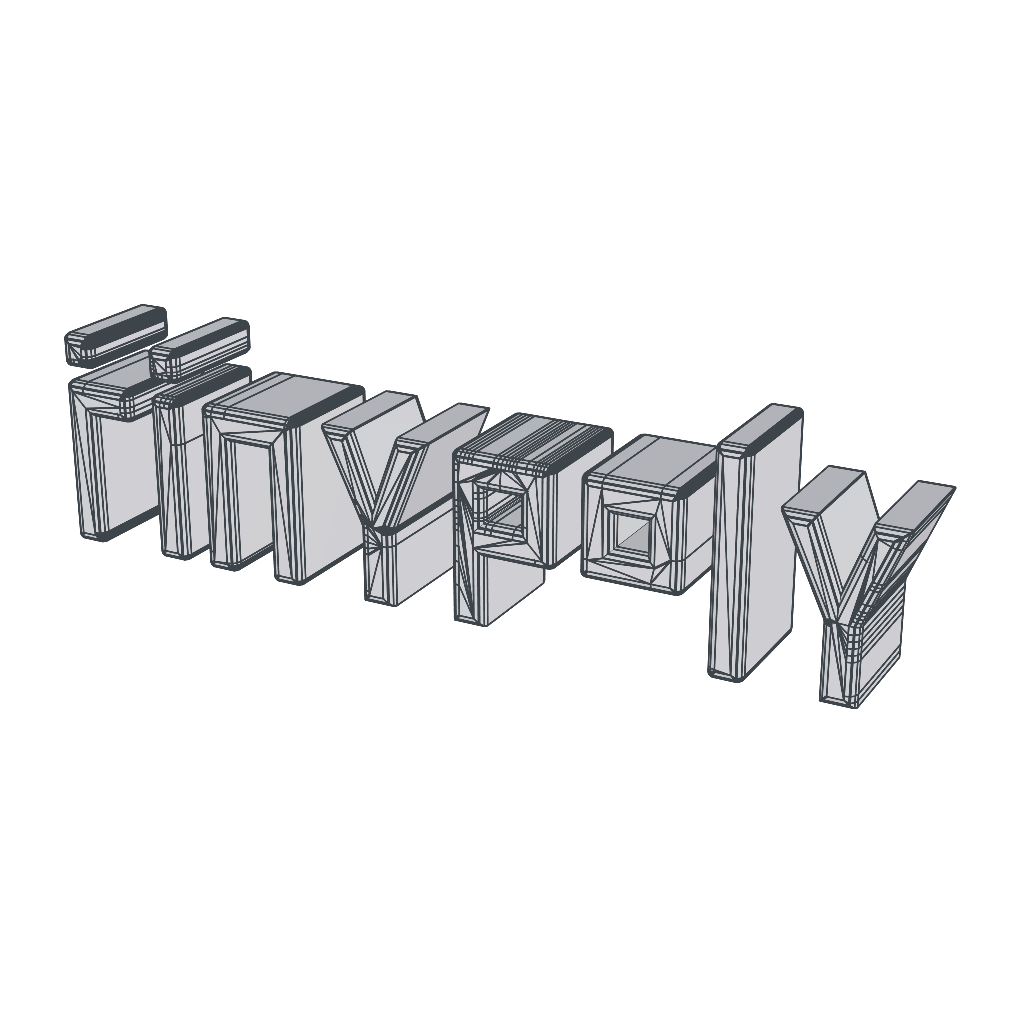
Extrude gives thickness to what is inside it. Place a path, a text path or a shape path inside the effector and the drawing becomes a solid: the closed area of the curves gets a cap on each side and the borders become walls. A curve inside another one becomes a hole, so the inside of a letter or the cutout of a logo stays open.
The thickness grows toward the side the path faces. A text path, which starts standing up, grows forward. An SVG imported lying on the ground grows upward. A negative depth extrudes to the other side.
It also works with any open surface, such as a plane or a disk: the mesh gets the chosen thickness, with walls on its borders. A closed mesh, such as a cube, has nowhere to grow and stays as it is.
The open curves of a path are not extruded: only the closed area becomes solid.
Properties
- Depth: Distance of the extrusion, in meters. Negative extrudes to the other side.
- Corner Radius: Rounds the edges of both caps. The rounding stays inside the drawing, so the outline and the depth do not change, and the radius goes up to half of the depth.
- Corner Seg.: How many faces form each rounding. More segments make the curve smoother.