Shape Path
A geometric shape from the catalog, drawn as lines.
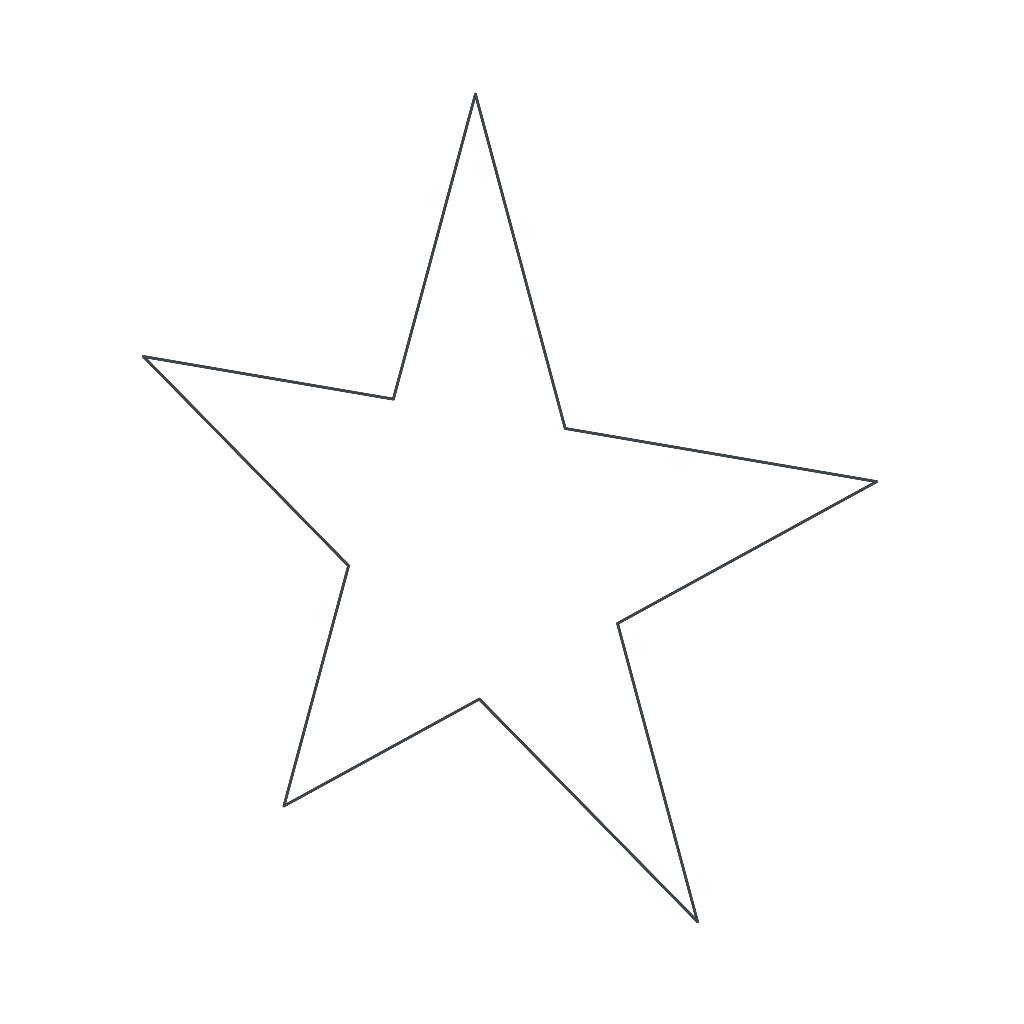
A Shape Path draws a ready-made geometric shape, with no mesh. It is created with the Shape Path button, in Add Object, and starts standing up, centered on its own origin.
The catalog is the same as the shape layers of the texture editor: rectangle, ellipse, semicircle, teardrop, crescent, triangles, diamond, parallelogram, trapezoid, L shape, regular polygons, stars, heart, shield, lightning bolt, arrows, chevron, tag, ribbon, cross and speech bubble. Width and height stretch the shape to that size.
Like any path, it can be filled and becomes a solid inside Extrude.
Properties
- Shape: Which shape of the catalog.
- Width and Height: Size of the shape, in meters.
- Corner radius: Rounds the corners. Only shows for the rectangle.
- Smoothness: How many straight pieces form each curve of the shape.
- Color: Color of the line.
- Fill: Fills the shape.
- Color: Color of the fill.