Quality
Samples and image resolution.
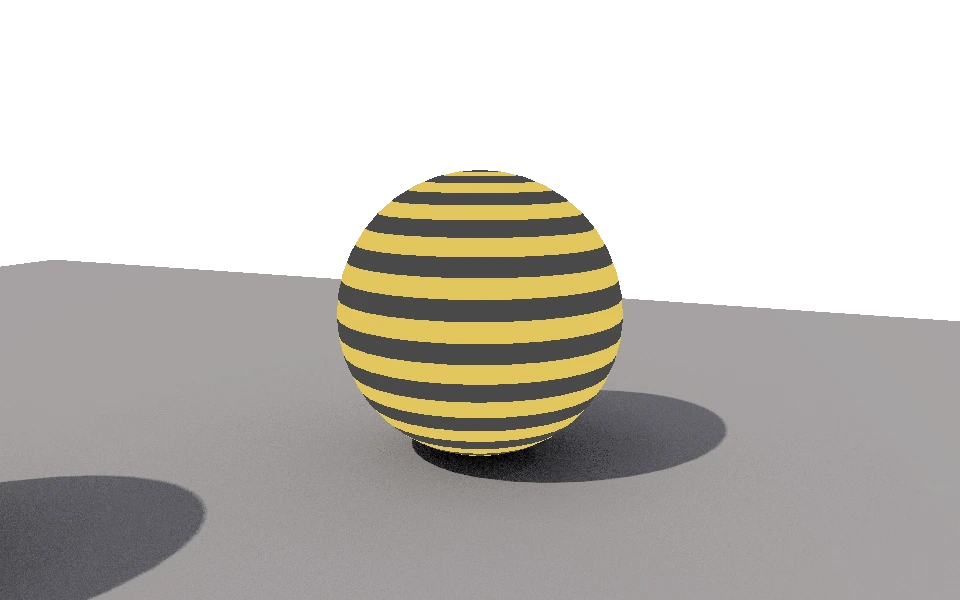
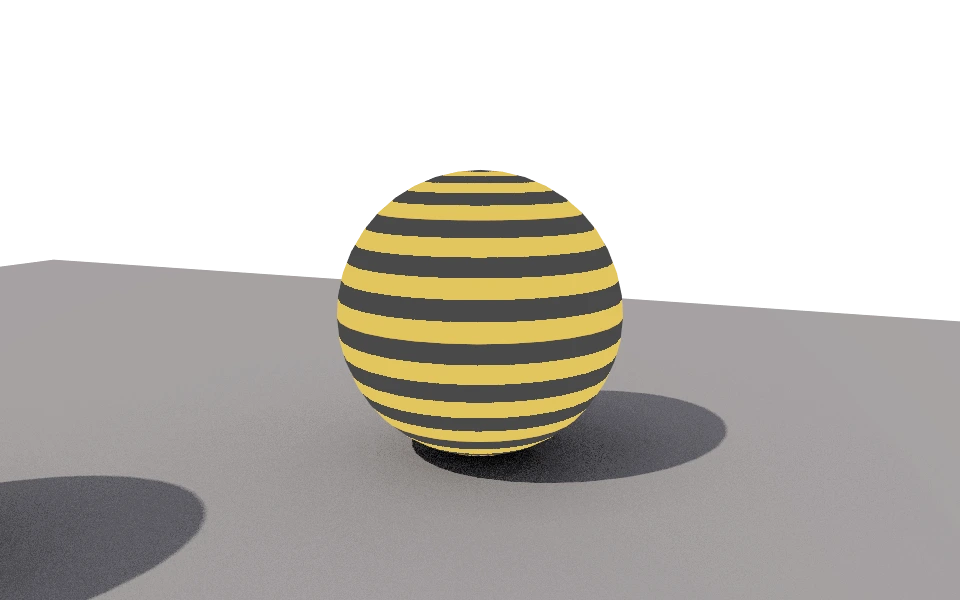
The Quality section decides how much work the rasterizer does per pixel. It is the most direct trade between waiting time and a clean image.
Controls
- Antialiasing samples: From 1 to 256 positions inside the same pixel. With a single sample, the edge of a face falls entirely inside or outside the pixel, and jagged steps show up along silhouettes and thin stripes. More samples smooth the edge, and the cost rises with them.
- Resolution scale: Multiplies the image size relative to the viewport area. At 0.5x the preview comes out fast; at 2x the saved image has twice the side, and four times as many pixels to compute.
- Fixed resolution: Fixes the image size in pixels, from 16 to 4096 on each side, instead of following the viewport. The preview area takes the requested proportion, so the framing you aim at is the one that gets saved, and the scale stops applying: the image comes out at exactly the chosen Width and Height.
How to use it
Work at 0.5x with few samples while you adjust light, material and framing. Once the image is settled, raise the resolution and the samples and let it finish.
To deliver the image at an agreed size, turn on Fixed resolution and type the measurements. They are stored in the project's render definition, so each definition can have its own: a preview one following the viewport and a final one at 1920 by 1080, for instance.
Keep in mind what samples do not fix: they smooth edges, but the noise from ambient occlusion and from global illumination comes from the rays of each effect, and the controls of those sections are what reduce it.