Text Path
The outline of the letters of a text, drawn as lines.
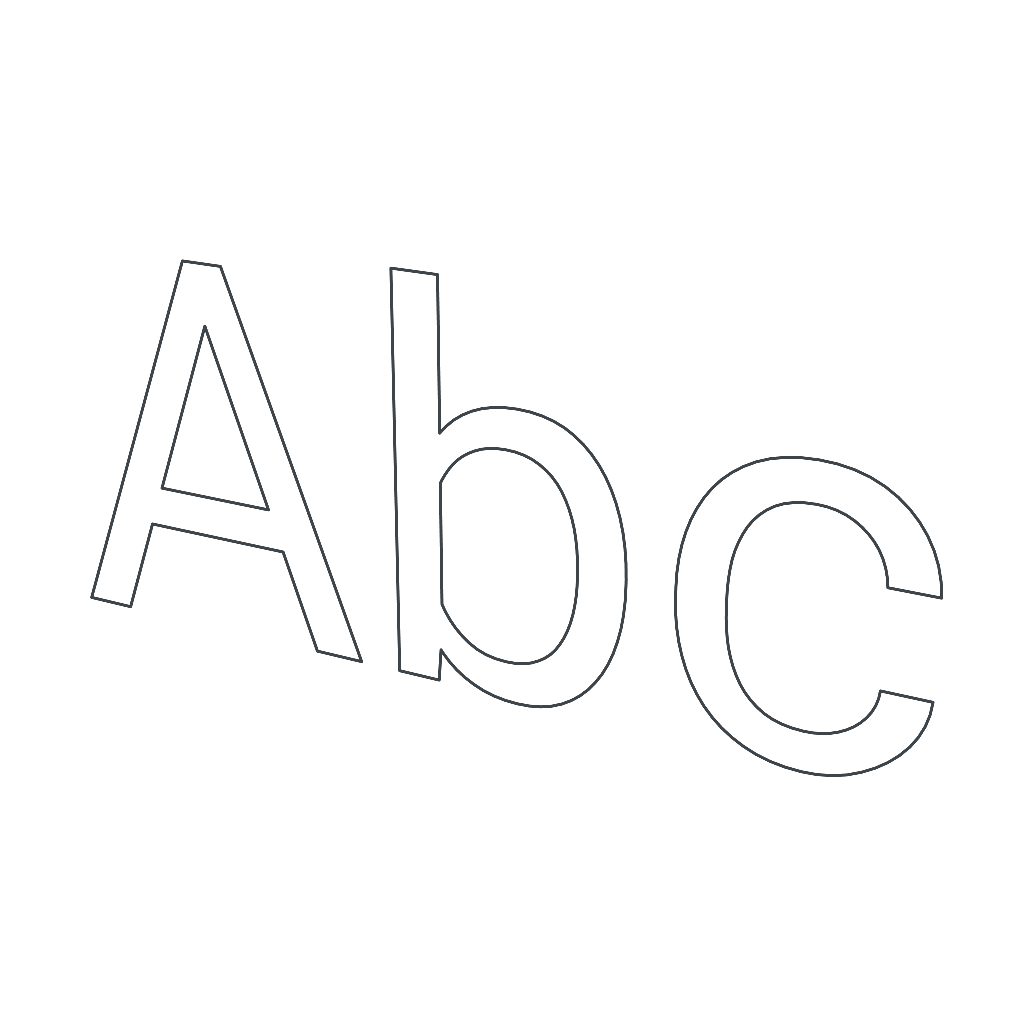
A Text Path draws the outline of the letters of a text, with no mesh. It is created with the Text Path button, in Add Object, and starts standing up, centered on its own origin.
The fonts are the same as in 3D Text, from the Google Fonts catalog. Many fonts draw each letter with overlapping outlines, such as the stem and the bar of a T. The text path joins those outlines, so each letter comes out as a single line, with no inner strokes.
Like any path, it can be filled and becomes a solid inside Extrude, with the inside of the letters left open.
Properties
- Text: The text drawn. It accepts more than one line.
- Font: Font family.
- Bold: Uses the bold cut of the font, when it has one.
- Size: Height of the letters, in meters.
- Smoothness: How many straight pieces form each curve of the letters.
- Color: Color of the line.
- Fill: Fills the letters.
- Color: Color of the fill.