Version 1.1.0
Real-time editing, chat in the editor, your Claude in the project, the Artboard mode, paths and Extrude.
Real-Time Group Editing
Several people can now open the same project and edit it together. Every change shows up for everyone right away, with no saving or reloading. Learn more in Real-Time Editing.
-
Who is in the project: A badge in the corner of the viewport shows who else has the project open and the state of your connection. The object each person selected gets an outline in their color.
-
Chat: Talk to everyone in the project or to just one person. In a direct chat, a button takes your camera to their point of view.
-
Offline: If the internet drops, you keep editing. Whatever is pending is sent when the connection comes back.
-
Your Claude in the project: An agent connected through MCP shows up next to the people, you follow each change it makes and you can talk to it in the editor chat.
Camera
The new Camera object stores a point of view in the project, with a physical lens: focal length, sensor, focus and depth of field. With the button in the hierarchy, it becomes the eye of the perspective viewport. Navigating the view moves the camera along, and the render mode uses its framing and lens, with the view locked.
Artboard Mode
The new Artboard is a mode for building paper-sized boards out of what you modeled: views of the project, text, dimensions, tables, shapes and images on the same sheet. Use it for presentations, floor plans and architectural projects, technical documentation, product sheets or anything you need to show about your model.
-
Views of your model: Plan, elevations and perspective come straight from the project and update when the model changes.
-
Real measures: On views at scale, such as 1:50, dimension lines show the real measure.
-
Templates: Keep the title block, frame and logo in a template and create boards from it. Change the template and every board that uses it changes too, while what you adjusted on each board stays.
-
Without opening the model: The new Artboards page of the dashboard opens the boards of your projects and the templates directly, without loading the model.
-
Ready to deliver: Export the boards as a PDF, one per page, or as PNG.
-
With your team and your Claude: Several people edit at once, and an agent connected through MCP builds boards too.
Paths
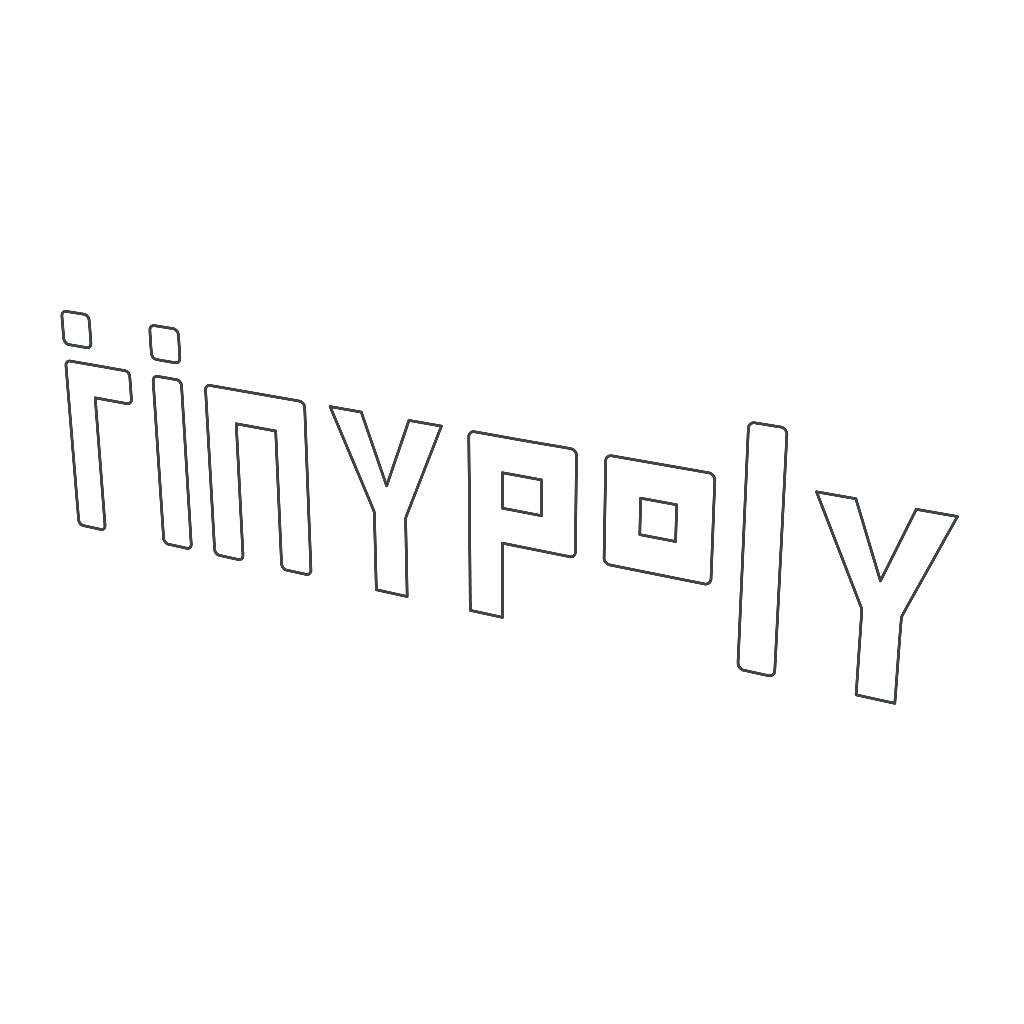
The new Path object is a drawing made of lines. It works as a guide in the viewport and, inside Extrude, becomes a solid.
-
SVG logos and drawings: Import an SVG with Import or drag the file into the viewport, and the drawing arrives as a path, with the colors of the file.
-
Text Path: The outline of the letters of a text, with the same fonts as 3D Text. Learn more in Text Path.
-
Shape Path: Stars, hearts, arrows, polygons and other ready-made shapes. Learn more in Shape Path.
-
Fill: Paint the inside of the drawing with a color. The inside of the letters and the cutouts stay open.
Extrude
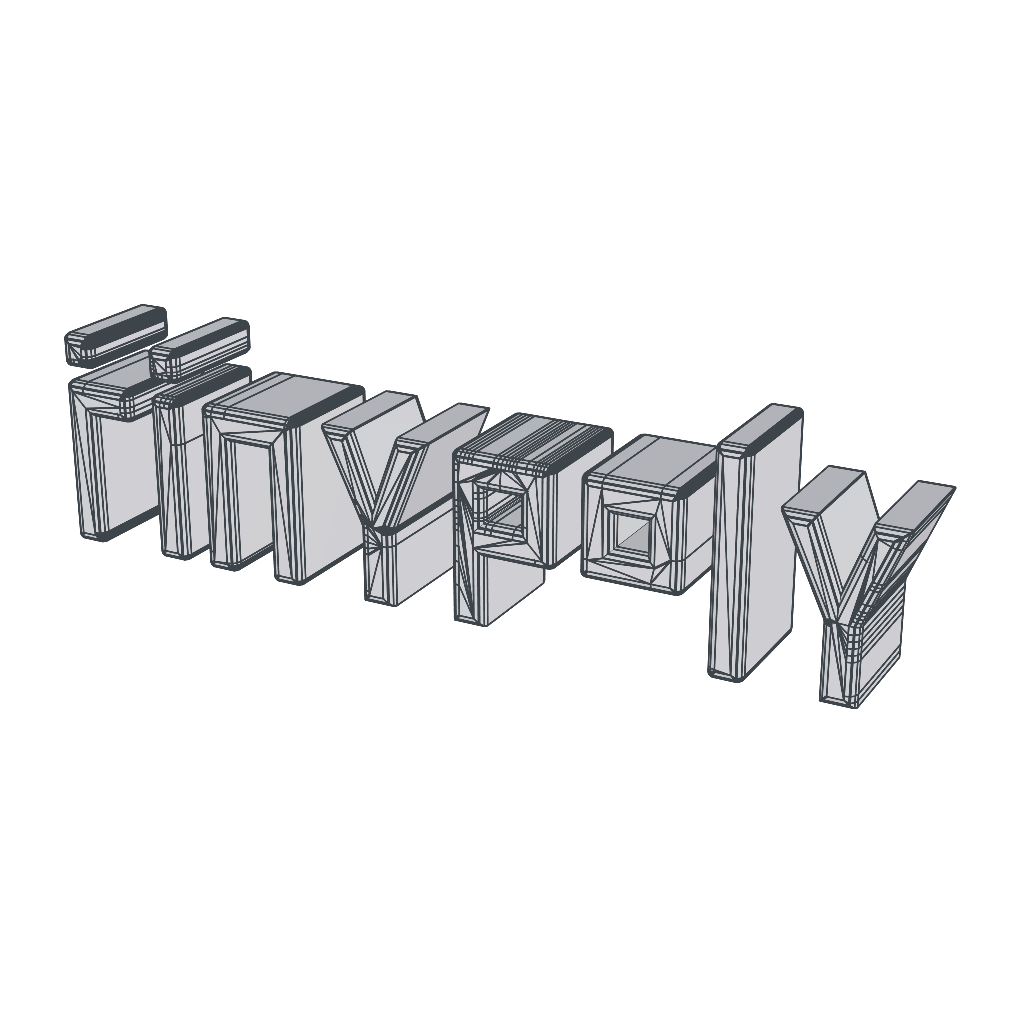
The new Extrude modifier gives thickness to what is inside it. Place a path, a text or a shape in it and the drawing becomes a solid object, ready for your model.
-
Rounded corners: Round the edges of the solid, as in the primitives.
-
Surfaces too: Planes, disks and other open surfaces get thickness the same way.
Improvements
-
Your Claude draws too: An agent connected through MCP now creates paths, texts, shapes and drawings from an SVG.
-
Background rendering: Rendering now starts only when you click Render, and the image shows the project as it was at the click. You can switch editors and keep modeling, texturing or adjusting materials while it finishes, and an indicator in the navigation bar shows its progress. To stop it, use Cancel.
-
Projects as files: Download a whole project as a
.tnpfile, with objects, materials, textures and boards, and bring it back into another project or drag it onto the project list to create a new one. Artboard boards and templates also go out and come in as files, in a.tnbof their own. See Projects. -
Smoother navigation: Moving the camera is much lighter in projects with many objects, especially with the four views open.
-
Platform improvements: The dashboard, project list, account, trash and sign-in screens received visual refinements. Everything adapts better to small screens like phones and tablets, and everyday actions are easier to find.
Fixes
-
Projects opening faster: Projects with modifiers rebuilt their results every time they were opened. Now they open with everything ready.
-
Render that never finished: In projects with double-sided transparent objects, the render mode could finish the image and go back to preparing it endlessly.
-
Freeze when switching editors: In projects with many objects, switching editors froze the screen for a second or two, and longer with a render in progress. Switching is now immediate.
Suggestions
Have an idea for arqtekt? Get in touch through the form on the Contact page or by opening a ticket in Support. We would love to hear your suggestions.